Performance
Twenty-one scripts before your customer sees a word
Every plugin is a dependency you inherit, including its performance cost and its security record. Counted on real client sites: twenty-one scripts on one front page, thirty-two on another.
- Published
- 10 September 2026
- Reading time
- 6 min
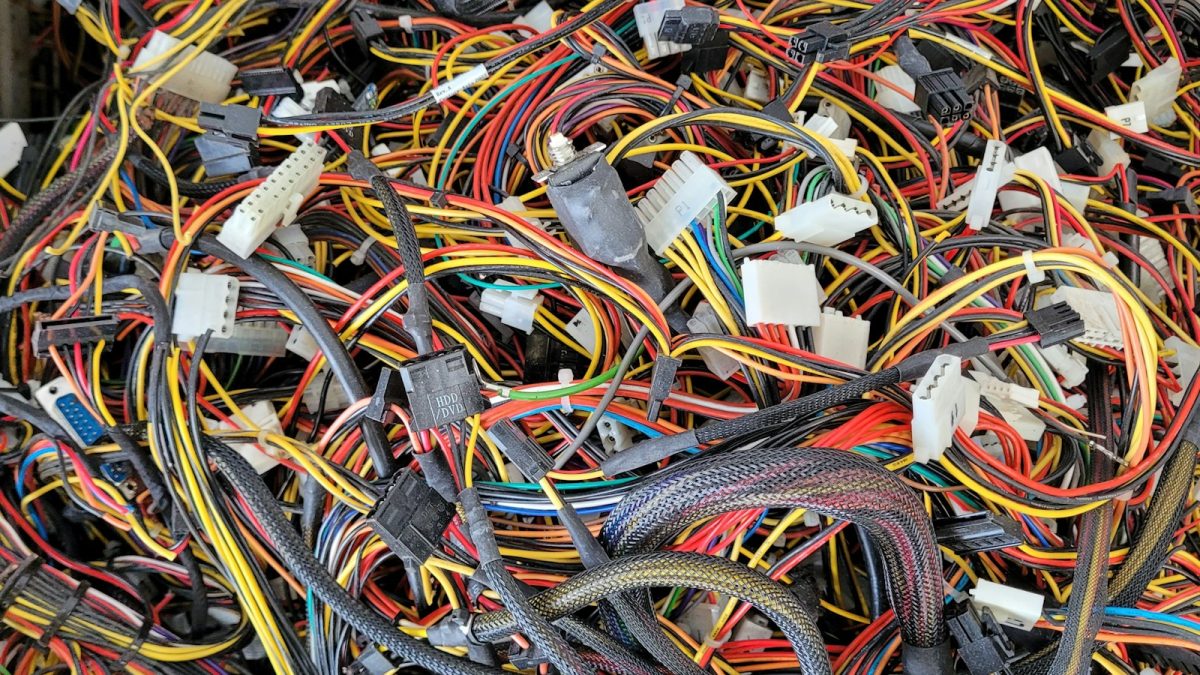
I counted the scripts on the front page of a charity site I built. Twenty-one.
Then I counted a vehicle rental site. Thirty-two.
Neither of those numbers is unusual. Both sites work, both serve their businesses, and I am not writing this to be rude about them — I built them. I am writing it because the way a site arrives at thirty-two scripts is invisible while it is happening, and completely obvious afterwards.
How a site gets there
Nobody decides to load thirty-two scripts. It accumulates, one reasonable decision at a time.
The contact form needs a plugin. The plugin loads its own JavaScript and stylesheet — on every page, not just the one with the form on it. Marketing wants analytics. Then a second analytics tool, because the first one does not do heatmaps. A cookie consent layer, which is legally required in most of Europe and which, to do its job, must load before everything else and block it. A slider on the home page. A chat widget. A pixel for advertising, then a second pixel because the campaign moved platform. Somebody adds a review widget that pulls from a third-party service.
Each addition is defensible on its own. Nobody is ever asked to approve the total.
And crucially: every one of these is a dependency you have taken on permanently. Not just its weight. Its update cycle, its compatibility with the next version of WordPress, its author’s willingness to keep maintaining it, and its security record. A plugin is not a feature you bought. It is a supplier you hired.
What the weight actually does
The cost is not the download. Modern connections move a hundred kilobytes quickly. The cost is what happens after the download.
JavaScript has to be parsed, compiled and executed, and that work happens on the main thread — the same single thread that handles rendering and responds to taps. While a script is executing, your page is frozen. Not visibly, not for long, but a tap during that window does nothing, and the visitor’s finger comes down a second time.
On a development laptop this is invisible. On a mid-range phone, the same work takes several times longer, and the freezes become perceptible. This is exactly what Interaction to Next Paint measures, and it is why sites that look fine in the office feel broken in the field.
There is a second-order effect that is worse. A third-party script is loaded from somebody else’s server. If that server is slow today, your site is slow today. If it is unreachable, and the script was loaded in a blocking way, your page may not render at all. You have handed a piece of your availability to a company you have no contract with.
The audit I run, and what it costs
Open the network panel, load the front page, and sort requests by initiator. For each script, ask four questions.
Is it used on this page, or only on one page? Contact form assets loading on every page of a fifty-page site is the single most common finding. Most form plugins have a setting to load conditionally, and almost nobody has turned it on.
Is it needed before first paint? Almost nothing is. A chat widget can load five seconds after the page. An analytics tag does not need to block anything. defer and async exist for exactly this, and the difference between a blocking third-party script and a deferred one can be a second of perceived load time.
Is it still doing a job? This is where I find the most waste. Pixels for campaigns that ended. Two analytics platforms because nobody switched off the old one. A slider library still loading on a page whose slider was removed in a redesign. I have never audited a site over two years old and not found at least one of these.
Could this be done without a dependency? Sometimes the honest answer is no. Sometimes a plugin is loading 90 KB to do something that is now four lines of native browser API.
What I would not remove
I want to be careful here, because “remove your plugins” is lazy advice.
The rental site with thirty-two scripts is a Polish business, and a cookie consent layer is a legal requirement it cannot opt out of. Some of the analytics on the charity site is used for donor reporting — the organisation genuinely needs those numbers, and “the site would be faster without them” is not a serious argument against a reporting obligation.
The goal is not a low number. The goal is that every item on the list is there because somebody currently needs it, loaded at the latest moment that still works. That is a very different exercise from deleting plugins until the score improves.
Where I would spend the first day on the charity site is not scripts at all. It has just over three thousand media attachments, and the image pipeline is where the real weight is. On a site whose readers include people rationing mobile data, every unnecessary byte is a cost paid by somebody who cannot afford it. That framing changes the priority order completely.
The plugin decision, before you install
Most of this problem is prevented at the moment of installation, in about four minutes of checking.
- When was it last updated? Over a year is a warning. Two years is a decision not to install.
- Does the author answer support threads? Go and read the last ten. Unanswered threads tell you what happens when you have a problem.
- What is its vulnerability history? Public databases list this. A plugin with a history of serious issues and slow patches is a liability, no matter how good the feature is.
- How much does it load, and where? Install it on a staging site and diff the network panel before and after. This takes ten minutes and it is the only way to actually know.
- What happens when it is gone? If it stores content in shortcodes or its own tables, removing it later means losing content or paying for a migration. That is a lock-in cost, and it belongs in the decision.
And the one that matters most: delete what you deactivate. A deactivated plugin’s files are still on your server and still reachable over the web. A known vulnerability in a deactivated plugin is, in several documented cases, still exploitable. Deactivation is not removal.
The honest summary
Every plugin is a trade: a feature now, a maintenance obligation forever. Sometimes that trade is obviously correct — I am not going to hand-write a payment integration to save 40 KB. Sometimes it is a slider nobody has looked at since 2021, loading on every page, from an author who stopped replying to support threads two years ago.
The number on your front page is not the problem. The problem is that nobody has ever been asked to justify it item by item. That audit takes an afternoon, and on most sites it is the highest-return afternoon available.